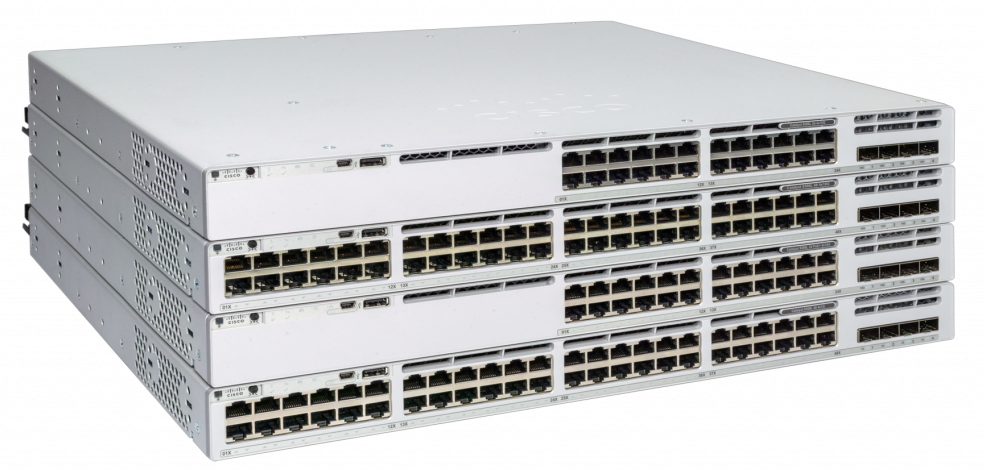
Cisco Systems' advertising announcements will tell you about the latest 21st-century technologies in the all-new Cisco Catalyst 9200 series of switches, which is positioned to create LANs for small and medium-sized offices.
Everything new and technological is always liked by IT directors and other management personnel, but not by network engineers and IT administrators. But do not be afraid this time, because the new bright design and improved features essentially hides the updated, but good old Cisco 2960 switch, used everywhere, loved by network engineers for its ease of setup, convenience and reliability.
Cisco Catalyst 9200 Switch Overview and Configuration
Configure Cisco Catalyst 9200
Configuring a Cisco Catalyst 9200 switch is almost exactly the same as configuring a Cisco Catalyst 2960 switch, with the exception of a few new features that will not be required by most companies.
You can safely use the following articles to configure the Cisco Catalyst 9200 as a switch for connecting users, printers, and other LAN resources. The differences will only be in the configuration of the interfaces, since the Cisco 9200 has at least 1G.